Write prompts that actually work
One simple framework for every model on PixenLabs — image, video, voice, music, and sound effects. Learn the formulas, the words that matter, and the difference between a weak prompt and a great one.
Fundamentals
Six rules for every prompt
They apply whether you're generating an image, a film shot, a voiceover, a song, or a sound effect. Master these first.
Specific beats brief
Trade "a dog" for "a Shiba Inu with metallic plating leaping a rooftop gap at night." Detail is what separates generic from striking.
Put what matters first
Lead with your main subject, then layer the supporting detail behind it. What comes first sets the scene; trailing modifiers tend to get diluted.
Build it in layers
A reliable order works everywhere: subject → action → setting → composition → style. Decompose, don’t free-associate.
Describe in positive
Say "an empty street," not "no cars." Most modern models ignore negations unless they have a dedicated negative field.
Cut the filler
Drop "please," "amazing," "8k masterpiece." Empty adjectives dilute focus — concrete visual facts steer the model.
Iterate one change at a time
Start simple, then change a single variable per run. It’s how you learn what each word is actually doing.
Advanced
Techniques that level up any prompt
Lock the frame
State the aspect ratio as a number — 16:9, 2:3, 1:1 — and name the shot scale. It stops the composition from drifting and crops perfectly for wherever it lives.

Shoot it like a camera
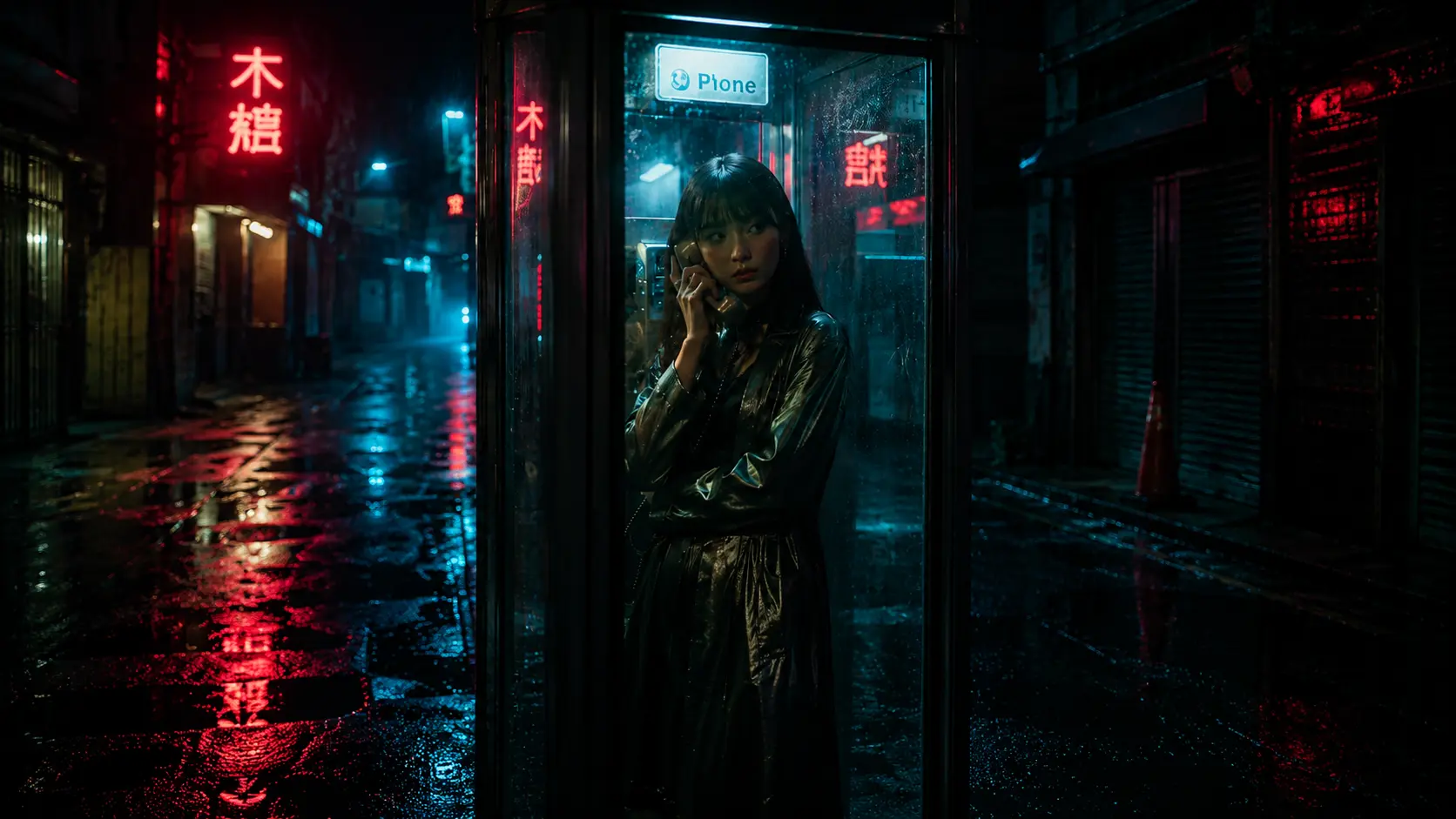
Name a lens, aperture and light direction — “Woman in metallic trench coat inside a rainy phone booth, holding the receiver, eye contact. Rain-soaked Tokyo alley at night, red neon kanji reflections on wet asphalt, cyan fog. 35mm f/1.4, split red-cyan lighting, neo-noir cinematic.” Physical camera language is what gives real depth and believable light.
Put text in quotes
Wrap any on-image words in “quotes” and name the font family. It's the difference between crisp, readable lettering and garbled shapes.
Constrain the facts
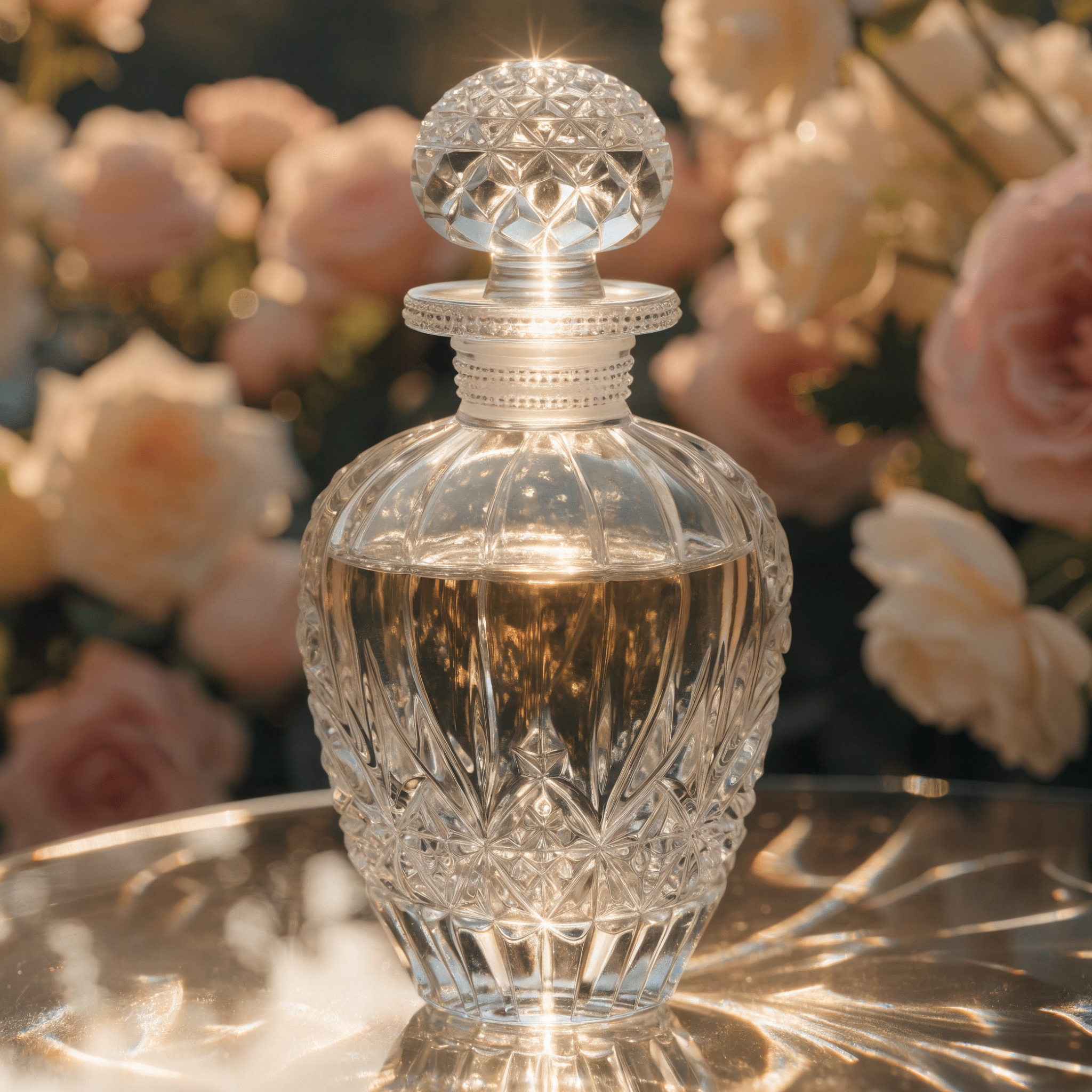
On models that support it, use negative constraints to forbid distortion — extra fingers, broken charts, impossible anatomy.
Weight your references
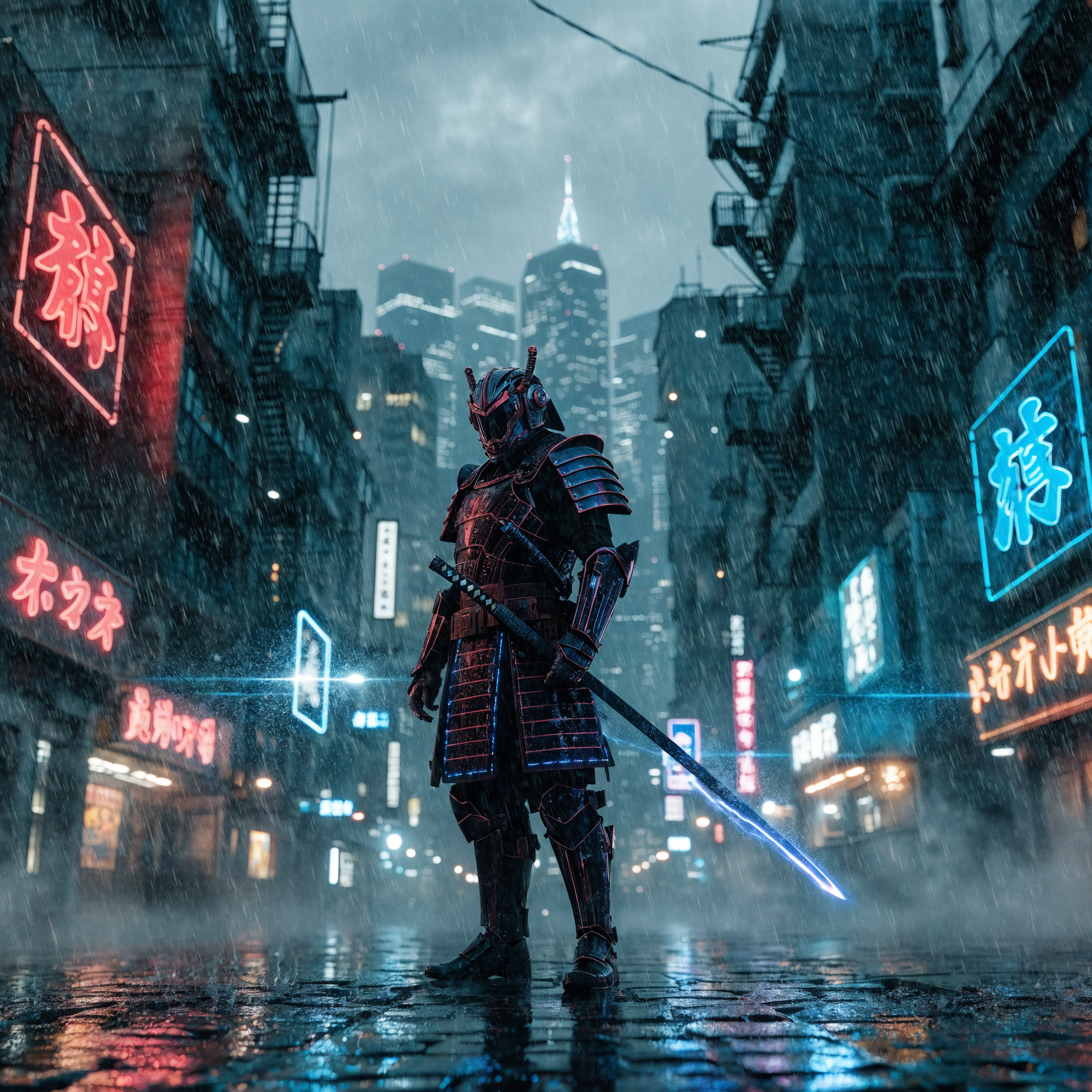
Using reference images? Control each image's influence to prevent their attributes from blending together.
By craft
Anatomy of a great prompt
Pick what you're creating. See a real prompt with every ingredient labelled — then exactly what a lazy version leaves out.
The prompt
A cinematic photo of a golden retriever running along a misty beach at sunrise, shot on 85mm, shallow depth of field
Prompt
Style
cinematic photo
Visual aesthetic and artistic direction.
Subject
golden retriever
Main object or character.
Action
running
What the subject is doing.
Setting
misty beach
Environment and location.
Light
sunrise
Lighting and atmosphere.
Camera
85mm lens shallow depth of field
Lens and photographic characteristics.
Gallery
Example
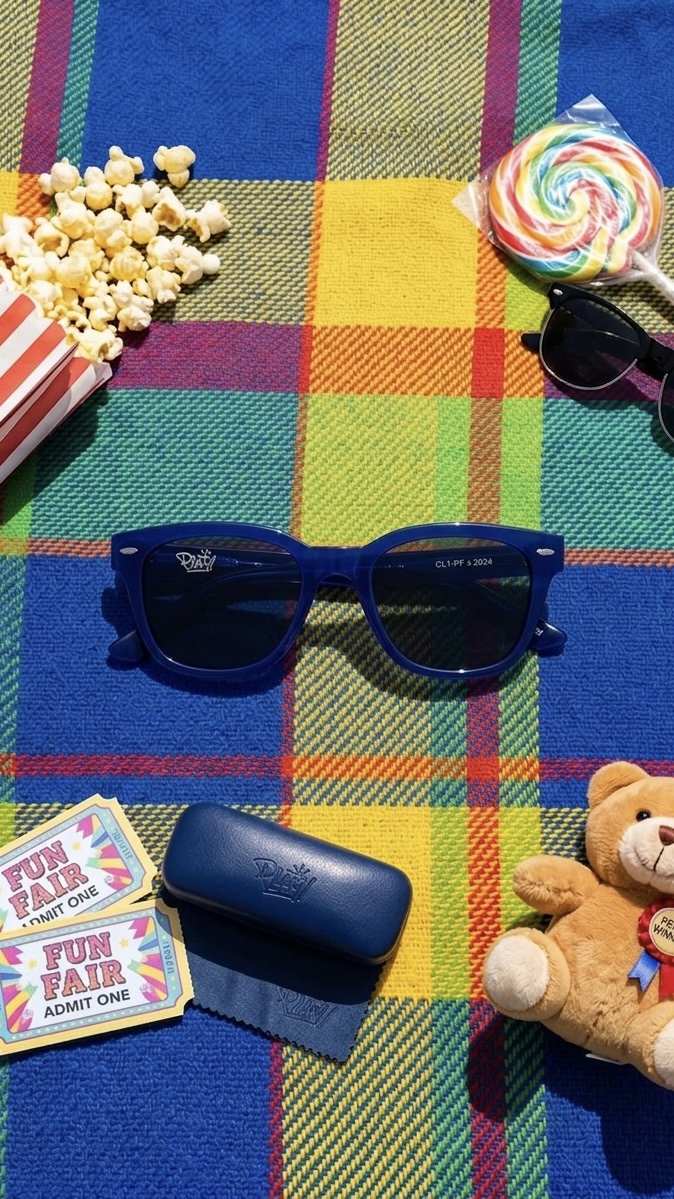
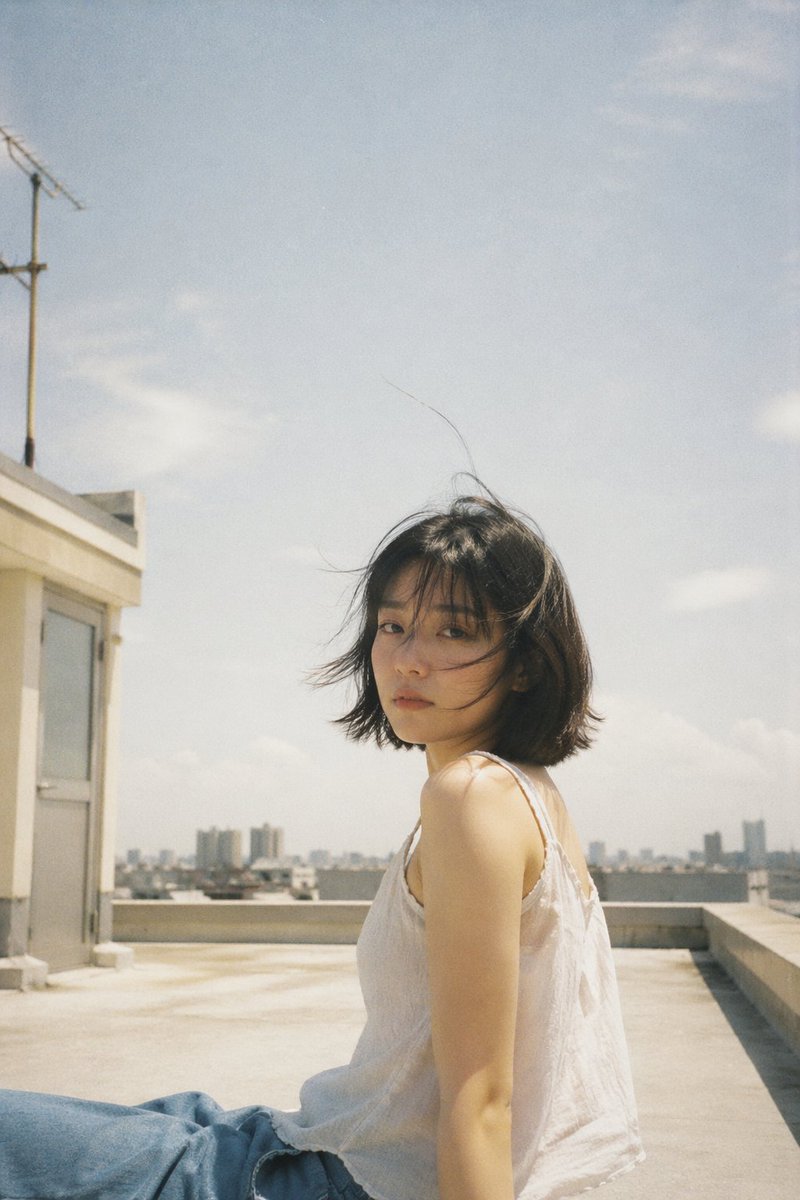
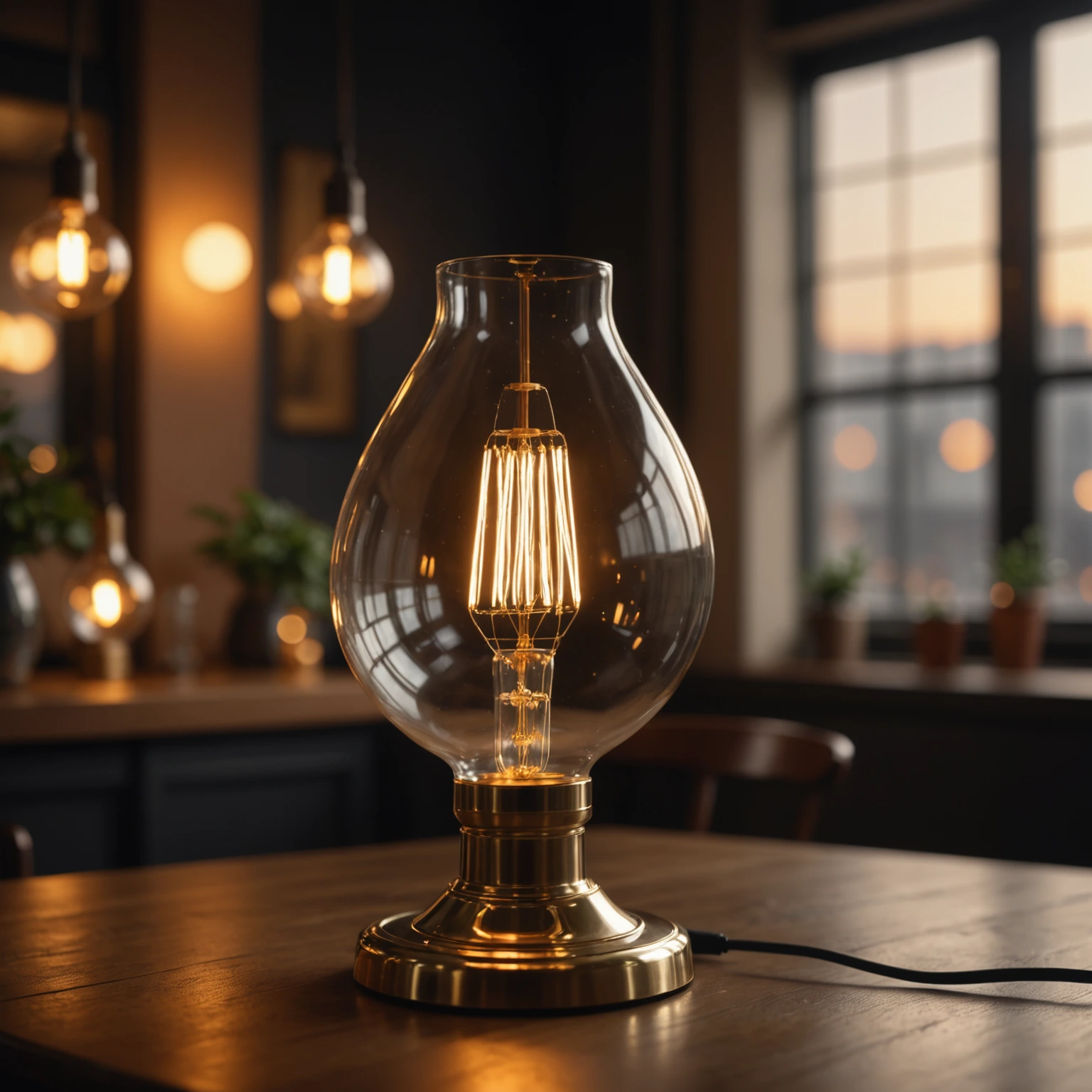
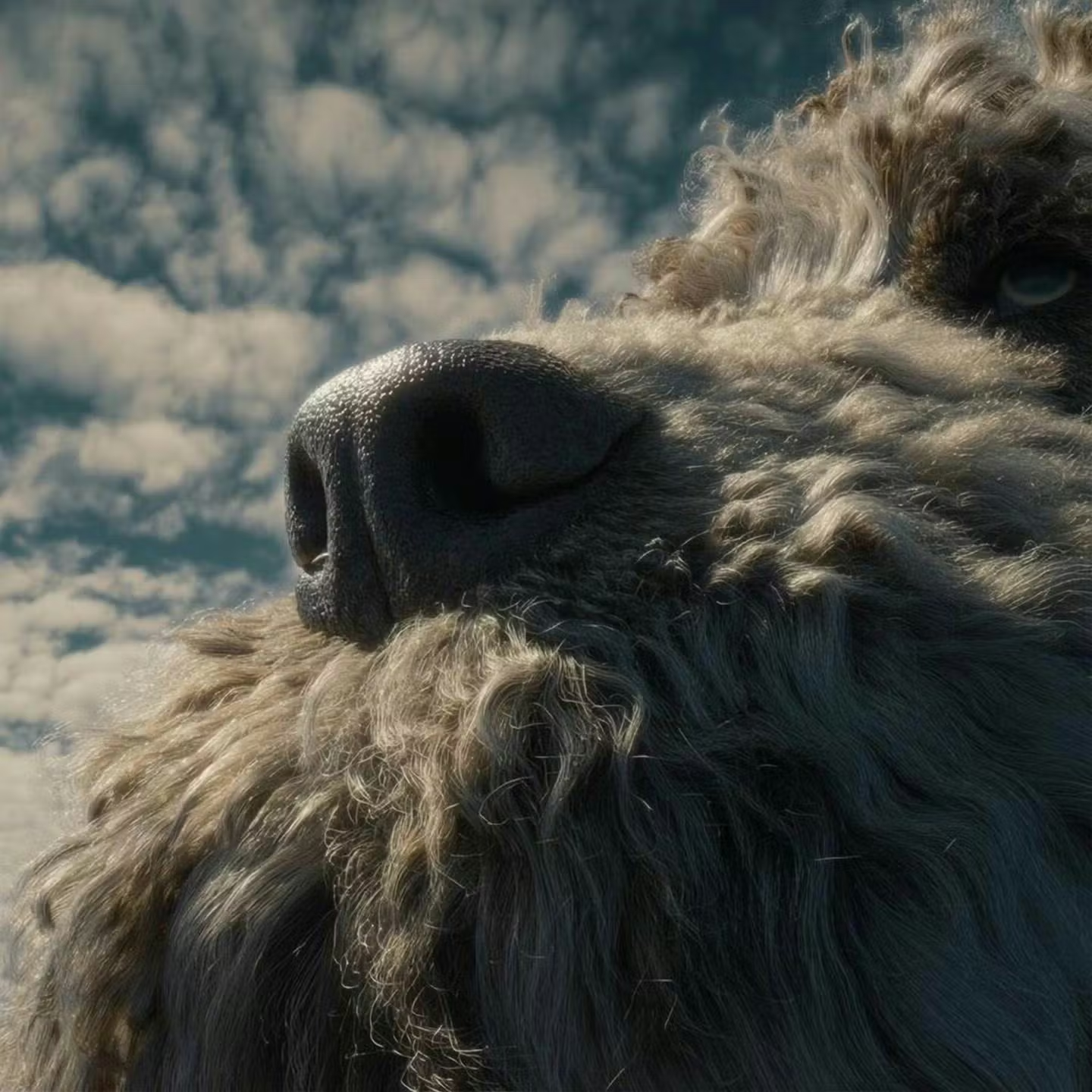
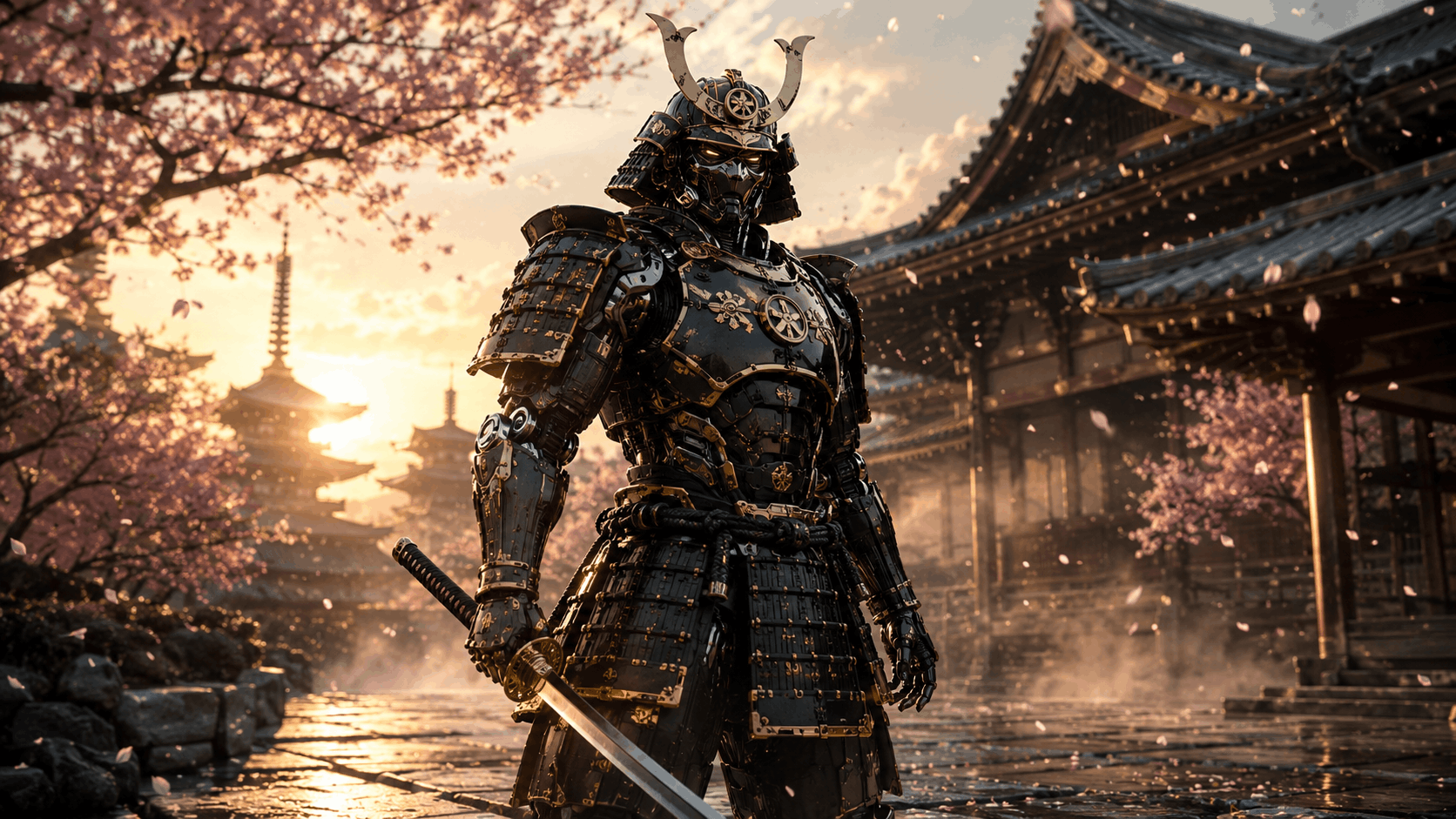
A glimpse of what you can create — swipe through a gallery of looks made on PixenLabs.
Now put it to work
You've got the formulas — bring them to the canvas. Every model on PixenLabs, one place, ready when you are.